A manual production task that took over my day.
The problem
Part of my job involves using GPT-SoVITS to generate dialogue for game characters. Manually producing around 150 voice lines could take a full workday. Missing a line or pasting the wrong file name could shift every file name after it. What would I do if a character had 1,000 voice lines?
What I built
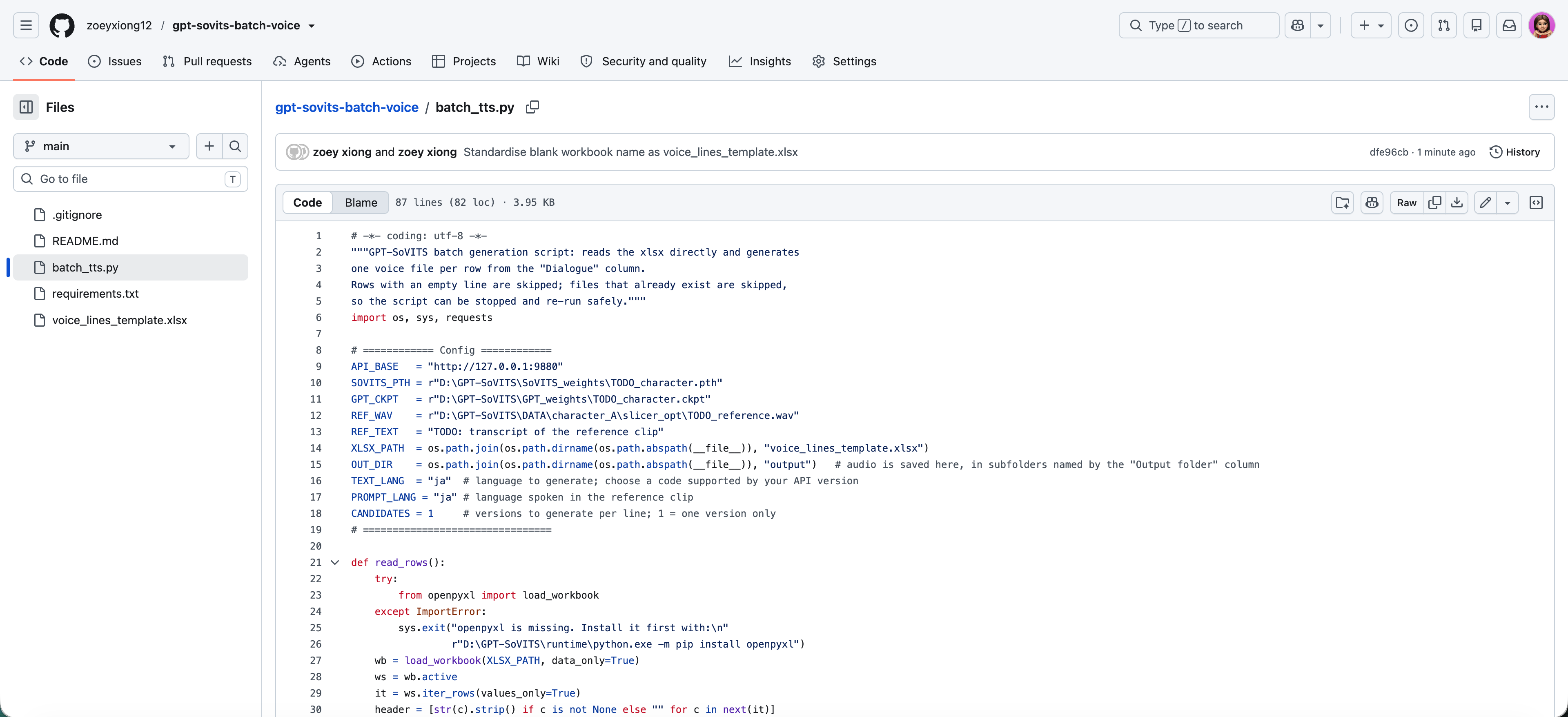
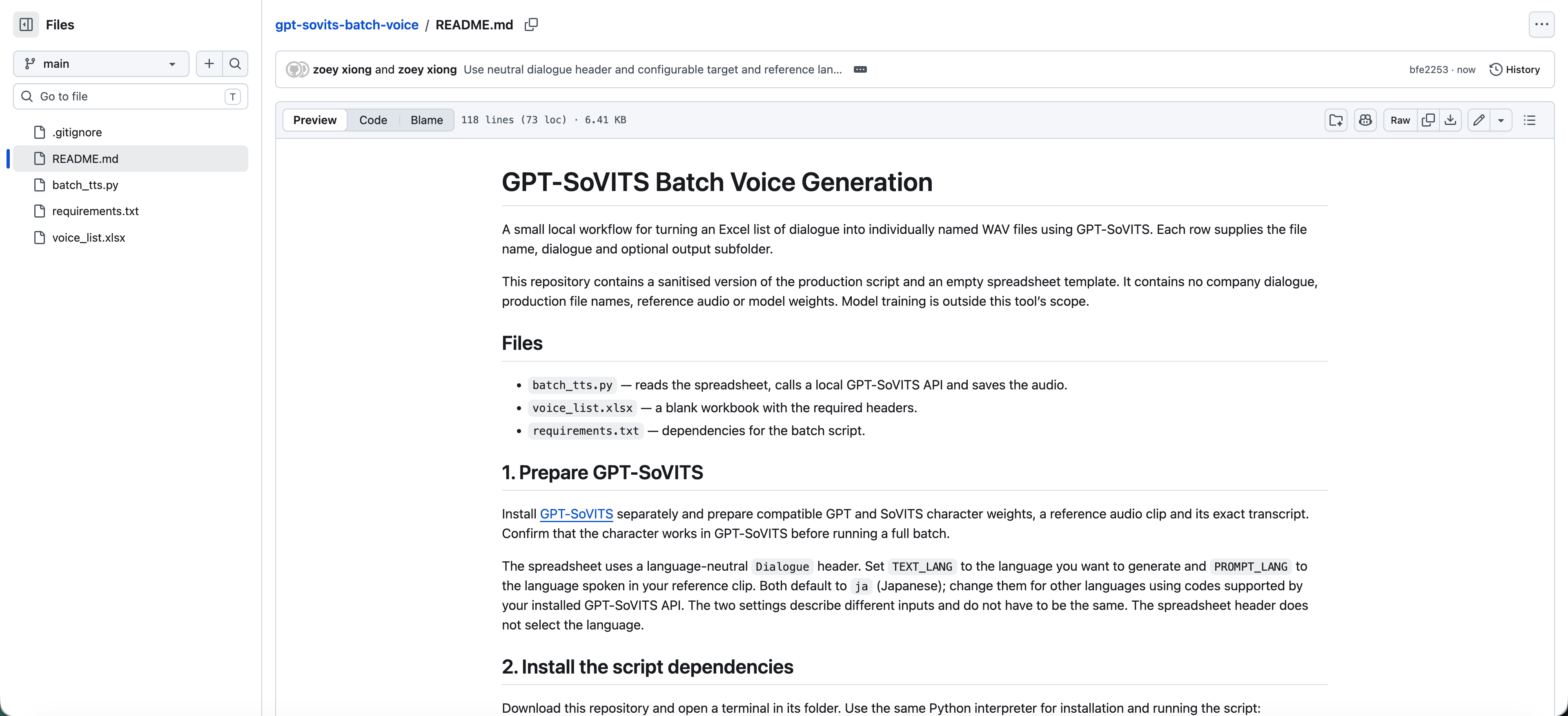
I designed a workflow that uses a local Excel spreadsheet and Python script to call the voice generation model, generate audio automatically and save it to specified folders. Dialogue and file names are added and edited locally, without being uploaded to external AI services.
The result
I generated, named and saved 457 voice lines for two characters in about seven minutes. Setup took a few minutes per character to update the local paths for character models and output folders in the script. Quality checks were carried out through spot-checks and in-game testing.
The manual workflow was difficult to scale.
After loading the character models and reference audio in the GPT-SoVITS web interface, I worked through the dialogue one line at a time: pasting the text, generating and checking the audio, then downloading and renaming the file to match its voice ID.


I renamed files manually in the order of the voice-name list. Missing a line or losing my place could shift all subsequent names.
In localisation work, the dialogue was often in a language I don’t understand, so I couldn’t match the audio to the text by listening to find where the mismatch began.
Retries, file naming and correcting mismatches added to the time spent generating audio. Producing around 150 voice lines could occupy a full working day, leaving no time for other tasks.
Build the tool without sharing the dialogue.
To protect company assets from exposure to external AI services, I kept tool development separate from the content. Claude helped implement the script and blank template, while I added the voice names and dialogue to Excel locally.

I replaced the manual loop with a batch run
Switching to another character’s voice only takes a few minutes, with changes to a few lines in the script for the local GPT and SoVITS model paths, reference audio path and its transcript. I paste all the voice names and dialogue into the spreadsheet, start the local GPT-SoVITS service and run the script. It works through every row and saves each file under its voice name, in the folder given in that row.

Three decisions that reduced manual work
Keep each file name next to its dialogue
Each row of the spreadsheet holds a voice name and its dialogue, and the script names every file from its own row. I can paste both columns straight from the existing source table instead of matching names to files manually. If a line is skipped, only that one file is missing, and every file after it still has the right name.
Let each row set its own output folder
In the original production list, two special-scene groups used the same file names. Saved into one folder, the second group would have overwritten the first. I added an Output folder column so each group is saved in its own directory, and every row now defines both the file name and where it goes.
Validate quality during in-game testing
The original workflow required me to listen to each generated line before saving it. Most lines were fine on the first attempt, but I still had to finish listening to every one before moving on, which made production slow.
Now I generate the full batch first and check how the voices sound when implemented on the game’s test server. I record the IDs of any problem lines and regenerate only those files. Checking the audio during game testing removes the separate listening step from production and saves a substantial amount of time.
Producing the same 457 voice lines

What I checked
I spot-checked more than 20 generated files for voice quality and alignment between file names and dialogue. All sampled files met the quality requirements and matched the intended dialogue.
I integrated all voice lines into the game and tested their in-game performance on the test server, recording the IDs of lines that needed improvement and regenerating them individually.
A reusable voice production workflow
I packaged the script, blank Excel template and setup guide into a reusable workflow, uploaded it to GitHub and shared it with my colleagues. Our team can use this workflow for all future voice generation tasks.
Python script
01 / 02